
I’m trying to learn how to use the tools in Photoshop. So I experiment with color adjusting a photo.
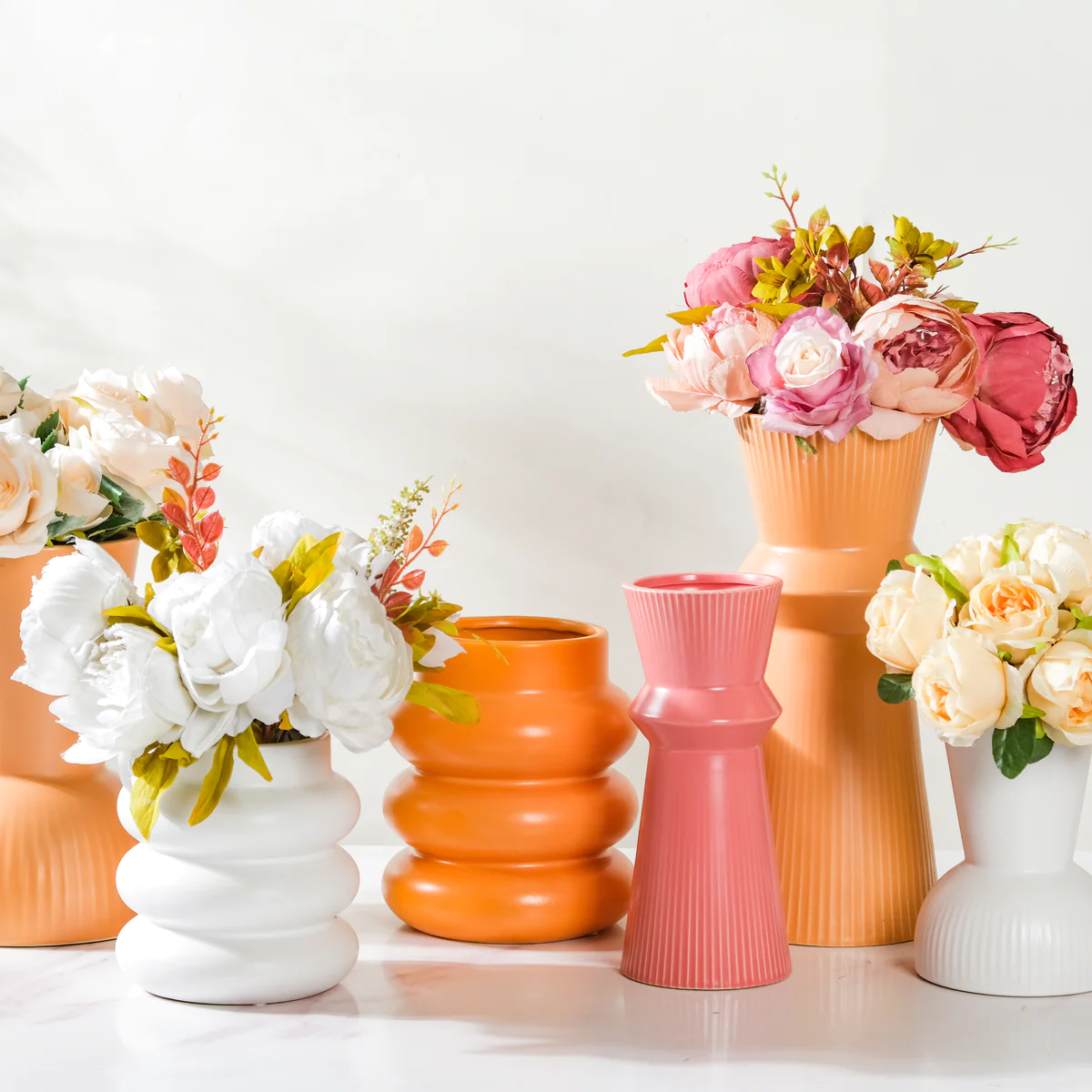
This is the photo I used in this mini project:

The purpose of this practice is to change the color of selective objects, in this example I’m trying to change the color of some of these vases.


I used both the quick selection tool to be more precise in selecting the vase. Then I went on Adjustments- Hue/Saturation to change the color of the vase I selected by adjusting the hue, saturation and/or lightness.

I ended up changing the color of three of the vases. Giving the results above. It was super easy to use and I’m excited to learn more tools and skills on PSD.
Leave a Reply